 NOOP
NOOPGet NOOP · v7.7.0
One app. Every platform.
Always free.
Pick your device and you are a minute away from reading your WHOOP and Oura straight off the band, on your own hardware. No account to create, no card to enter, nothing uploaded anywhere.
macOS
Universal app · .zip
The most battle‑tested build. Unzip, drag to Applications, pair your strap over Bluetooth.
- Apple silicon and Intel in one download
- macOS 13 Ventura or newer
- Menu‑bar live readout
Also on Homebrew. See the cask
Android
Direct .apk install
A full native client, not a wrapper. Download the APK, allow the install, and you are running.
- Install the APK directly, no Play Store
- Android 8.0 or newer
- Ships with no internet permission
Source‑available, unsigned by design
iPhone
Sideload .ipa
Same on‑device engines as Mac. You sign it on your own iPhone with your own free Apple ID.
- Install with AltStore or SideStore
- iOS 16 or newer
- No Mac, no Xcode, no developer account
No store account, no card, no email. No cloud, no server, no tracking. Everything happens on the device in your hand, and nothing about your heart or your sleep ever leaves it.
Every build downloads from the same place: the project's open releases page. NOOP is an independent project and is not affiliated with WHOOP or Oura.
See it before you download
The same app, whatever you run it on.
Recovery, effort and rest read straight off your band and scored on the device in your hand. This is exactly what you get the moment you pair, no setup screens, no upsell.
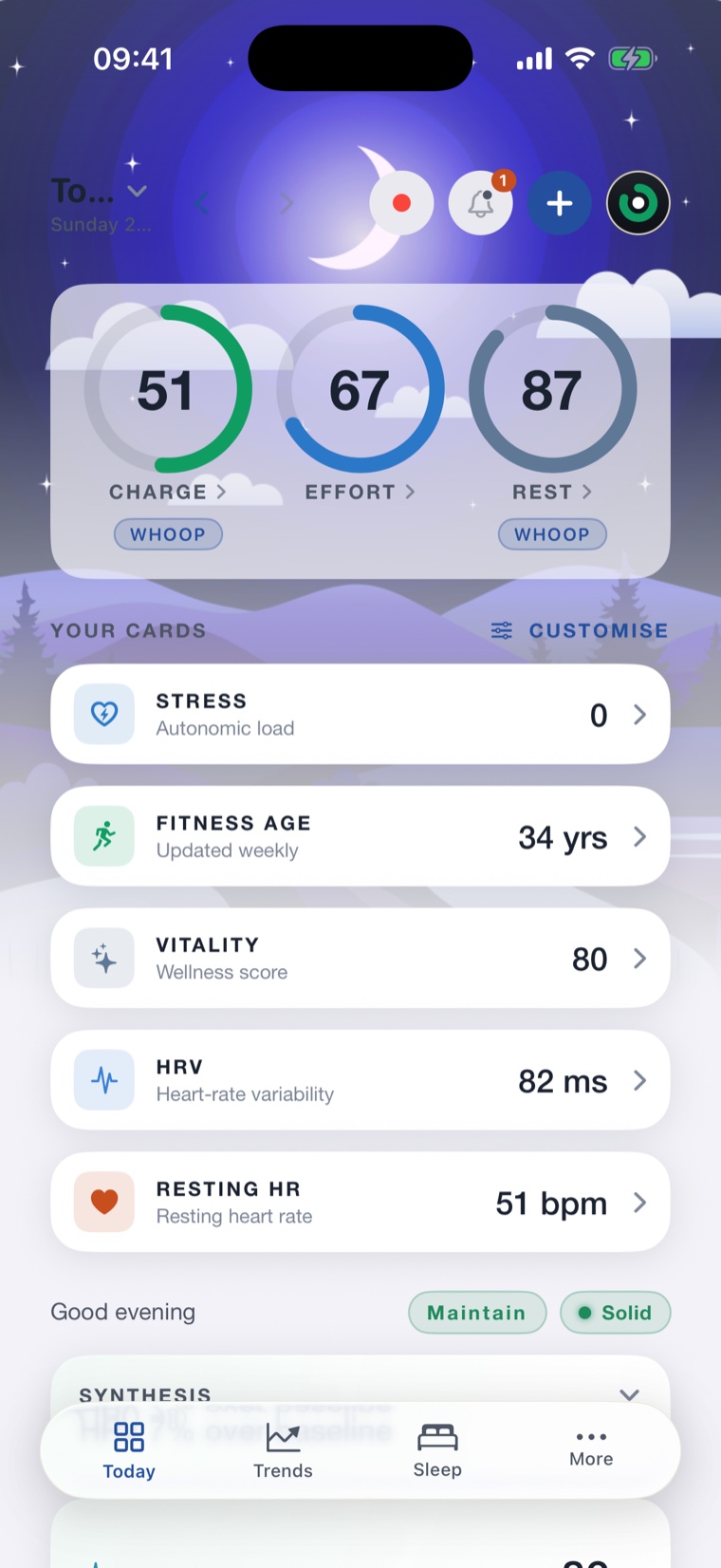
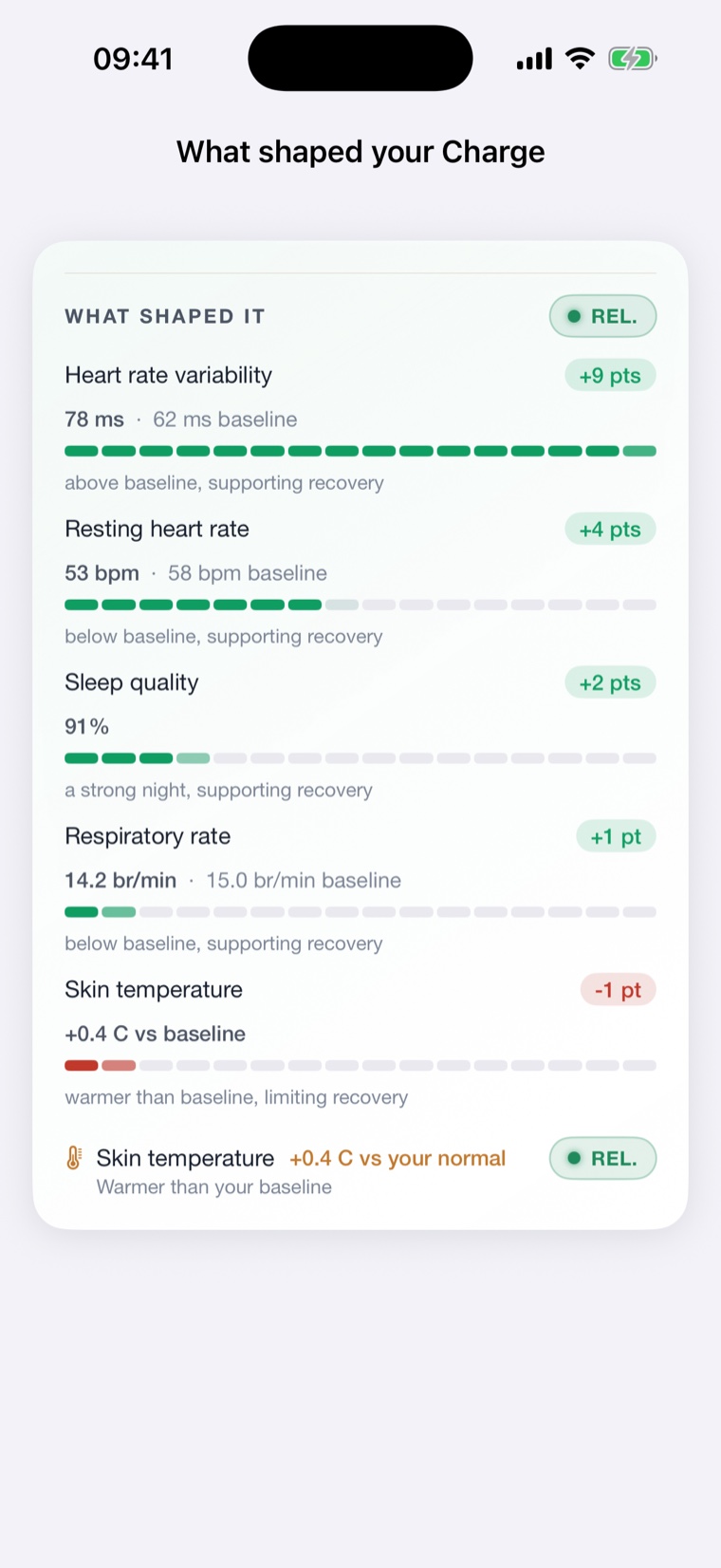
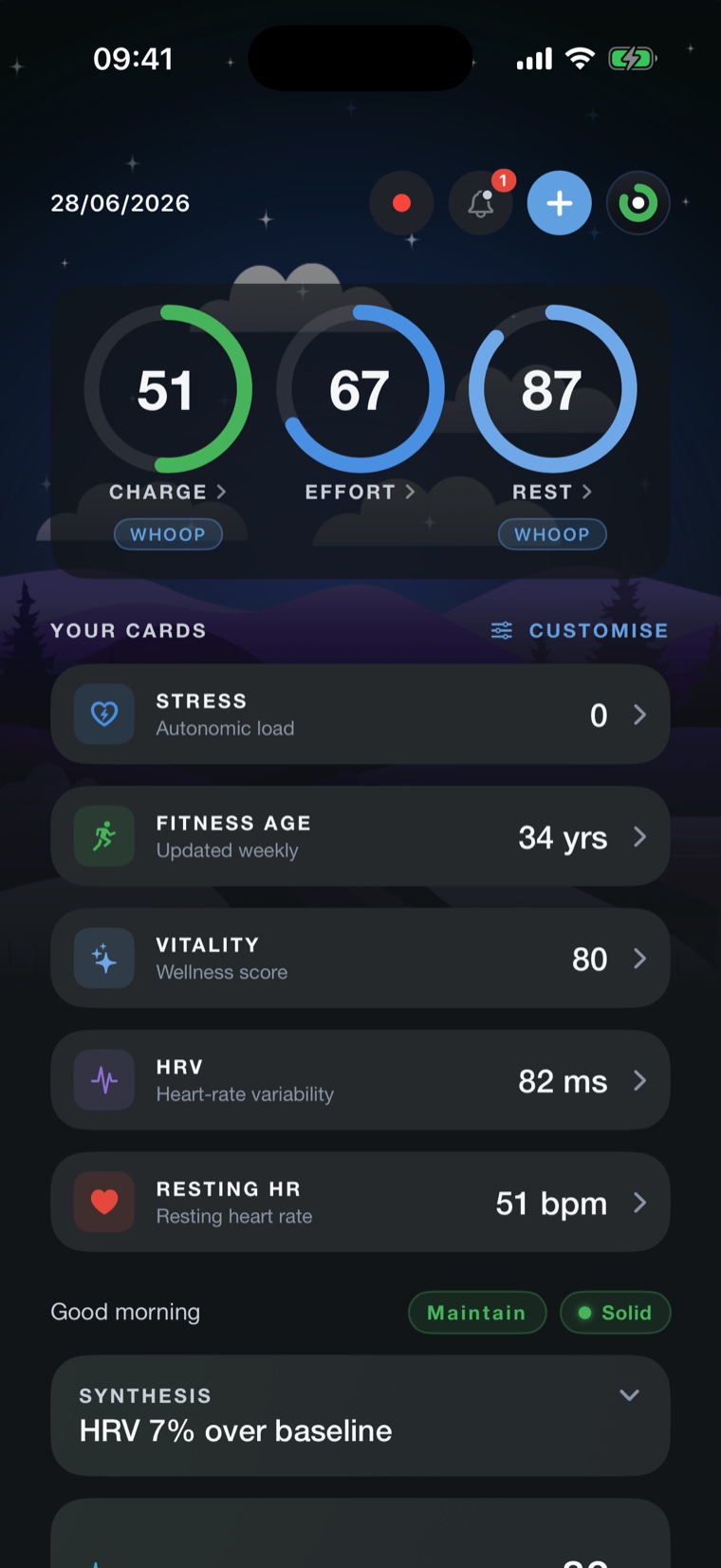
Your strap, your phone, nothing in between.
NOOP talks to the band over Bluetooth and does every calculation on the device in your hand. There is no sign‑up wall and no server waiting to read your heart rate. Download it and it just works, offline.
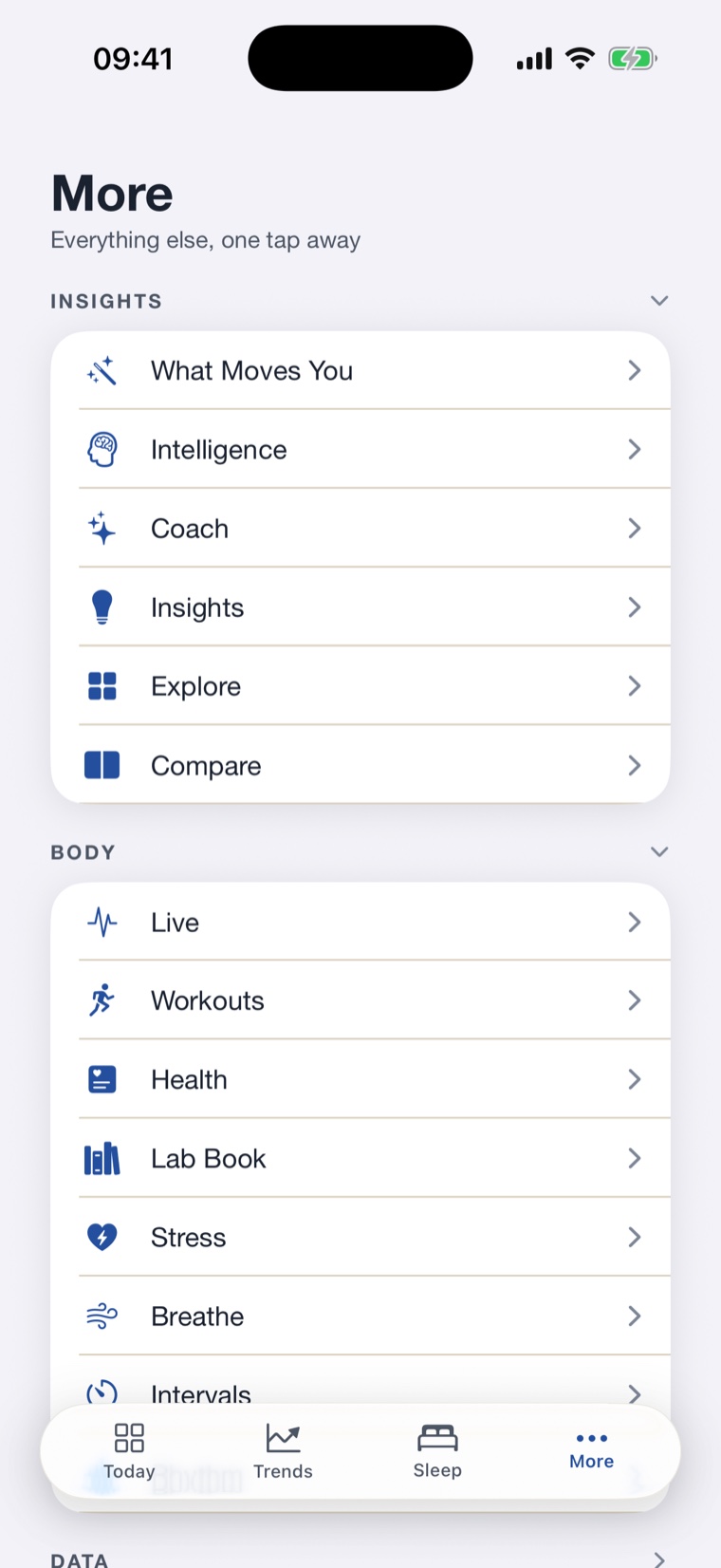
More than a number
A full toolkit, all on‑device.
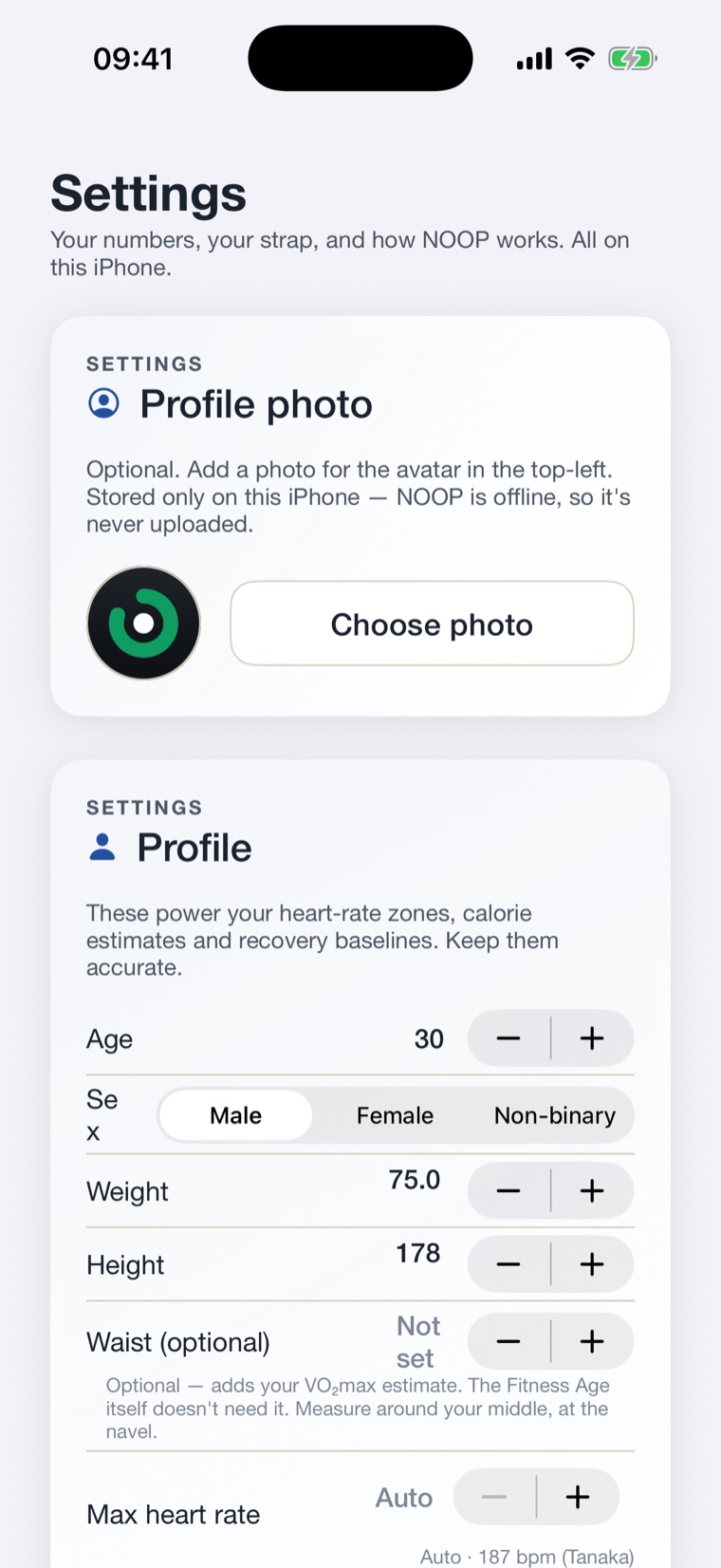
Coach, workouts, stress, breathwork and a Lab Book sit a tap away, alongside the controls that keep everything private. Same depth on Mac, Android and iPhone.
iPhone, the honest version
How sideloading works.
To stay anonymous, NOOP does not go through the App Store. The iOS download is an unsigned .ipa that you sign on your own iPhone, for free, with a free tool. Three steps, one time.
Install a sideloader
Put AltStore or SideStore on your computer and follow their one‑time setup. Both are free and sign apps with your own free Apple ID.
Download the .ipa
Grab the latest NOOP‑ios.ipa from the releases page onto your iPhone, or onto your computer and AirDrop it across.
Open it in the sideloader
Share the file to AltStore or SideStore and it signs and installs NOOP. First launch may ask you to trust your Apple ID under Settings, General, VPN & Device Management.
Want it to update itself? Add NOOP as a source in AltStore or SideStore once and new releases re‑sign and install automatically in the background. Open AltStore, go to Browse, tap the plus, and paste the source URL from the iOS install guide on the repo. Then you are always one tap from the newest build.
Two honest limits of free‑Apple‑ID sideloading
- Apps re‑sign every 7 days. A free Apple ID signs apps for a week at a time. AltStore and SideStore refresh NOOP automatically in the background, so as long as the sideloader stays installed, NOOP keeps working.
- A few Apple‑only features may be limited. A free signing identity cannot grant certain Apple entitlements, so Apple Health sync and lock‑screen widgets may not work on a sideloaded build. Everything on‑device (pairing your strap, live heart rate, recovery, strain and sleep, history, the AI Coach) works regardless. This is an Apple signing constraint, not a NOOP one.
Before you start
System requirements.
Modest, on purpose. If your phone or Mac can run Bluetooth, it can almost certainly run NOOP.
macOS
- Version
- 13 (Ventura)+
- Chip
- Apple silicon or Intel
- Format
- Universal .zip
- Bluetooth
- Built‑in BLE
- Account
- None
🤖 Android
- Version
- 8.0+ (API 26+)
- Install
- Direct .apk
- Bluetooth
- BLE radio
- Internet
- Not requested
- Account
- None
📱 iPhone
- Version
- iOS 16+
- Install
- AltStore / SideStore
- Signing
- Your free Apple ID
- Re‑sign
- Auto, every 7 days
- Status
- Experimental
Nothing to lose by trying it.
No store account, no card, no email, no trial that turns into a bill. Download it, pair your band, and if it is not for you, delete it. Your data was only ever on your device anyway.
One last honest note
Experimental, and getting better fast.
macOS and Android are the most tested. WHOOP 4.0 is fully supported, WHOOP 5.0 and MG read live heart rate with deeper metrics building, and Oura Ring 3, 4 and 5 are in beta over Bluetooth. NOOP is built in the open by a small independent team, ships often, and is not a medical device. If something is off, the releases and source are right there to read.